
customer support WordPress Plugins
CartBell – WhatsApp Business Chat & Abandoned Cart Recovery for WooCommerce

Cart Bell – WhatsApp Business Integration for WooCommerce Cart Bell is a WhatsApp Business integration plugin for WooCommerce that enables customer communication, abandoned cart recovery, and order notifications using WhatsApp. The plugin connects a WooCommerce store with WhatsApp Business providers to manage customer conversations, recover abandoned carts, and send order-related notifications from a single system.
FloatConnect – Advanced Multi-Channel Contact Widget for WordPress
FloatConnect – Complete WordPress Contact Solution The most comprehensive floating contact widget for WordPress with enterprise-grade features, multi-channel communication, and revolutionary one-click SMTP email system! Revolutionary One-Click SMTP Email System GAME-CHANGING FEATURE: Built-in email delivery with auto-setup for Gmail, Outlook, Yahoo, SendGrid, Mailgun – no external SMTP plugins needed! Professional transactional email with real-time testing,
EasyReach – All-in-one OpenAI Powered floating popup support solution
Enhance user engagement, streamline communication, and provide quick support with EasyReach – an All-in-one solution for FAQs, video information, contact forms, and AI chat support, all accessible via a sleek floating popup. EasyReach is designed to revolutionize the way you interact with your website visitors. This powerful WordPress plugin combines multiple features to ensure users
Deski Support – WordPress Based Ticketing System
Features Overridable Templates: Frontend and email templates are overridable, so you can customize them and make them look like the rest of your website design for seamless integration. Custom Fields: Create custom fields the customer has to fill in when submitting a new ticket. The custom fields can be global or conditional, meaning they only
WhatsApp Chat Support Pro WordPress Plugin

Whatsapp chat support is a WordPress plugin that allows website owners to easily add a WhatsApp chat button to their website. This allows visitors to quickly contact the website owner or support team through the WhatsApp messaging app. The plugin also includes features such as customizable button design, automatic message pre-fill, and offline message support.
Skype Chat Support Pro WordPress Plugin
The Skype Chat Support WordPress plugin is a powerful and easy-to-use tool that allows you to add a Skype chat widget to your website, making it easy for your visitors to communicate with you or your support team. This plugin allows you to provide quick and efficient customer support, and can help increase customer satisfaction
Telegram Chat Support Pro WordPress Plugin
The Telegram Chat Support WordPress plugin is a powerful and easy-to-use tool that allows you to add a Telegram chat widget to your website, making it easy for visitors to communicate with you or your support team. This plugin will enable you to provide quick and efficient customer support and can help increase customer satisfaction
Support Genix – WordPress Support Ticket Plugin
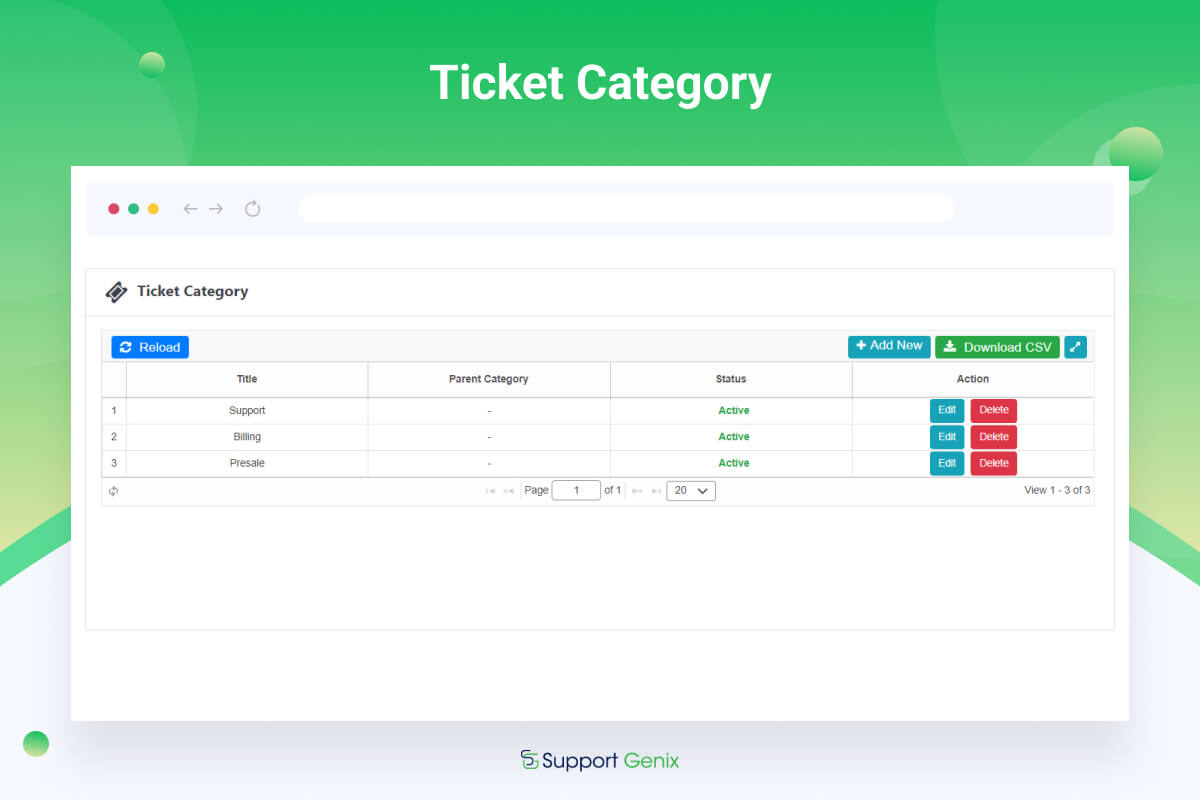
Despite the costs, we believe that customer support is essential for any business. In 2020, we set out to create a low-cost WordPress ticketing solution that would be accessible to small businesses. We developed a strategy and got started on the plugin development. Documentation | Demo | Video | Support Forum Many of the most
CleverWhatsApp – WordPress WhatsApp Chat plugin

Latest Version 1.0.0 Release Apr 06, 2020 Click HERE to view the Change log Clever WhatsApp Chat plugin (aka @CWA) is a simple tool to show your team’s accounts in one floating widget or using buttons on pages. When an account is clicked, it will take the user to that particular account on https://web.whatsapp.com/

