
Nearship | Distance-Based Shipping & Local Delivery for WooCommerce
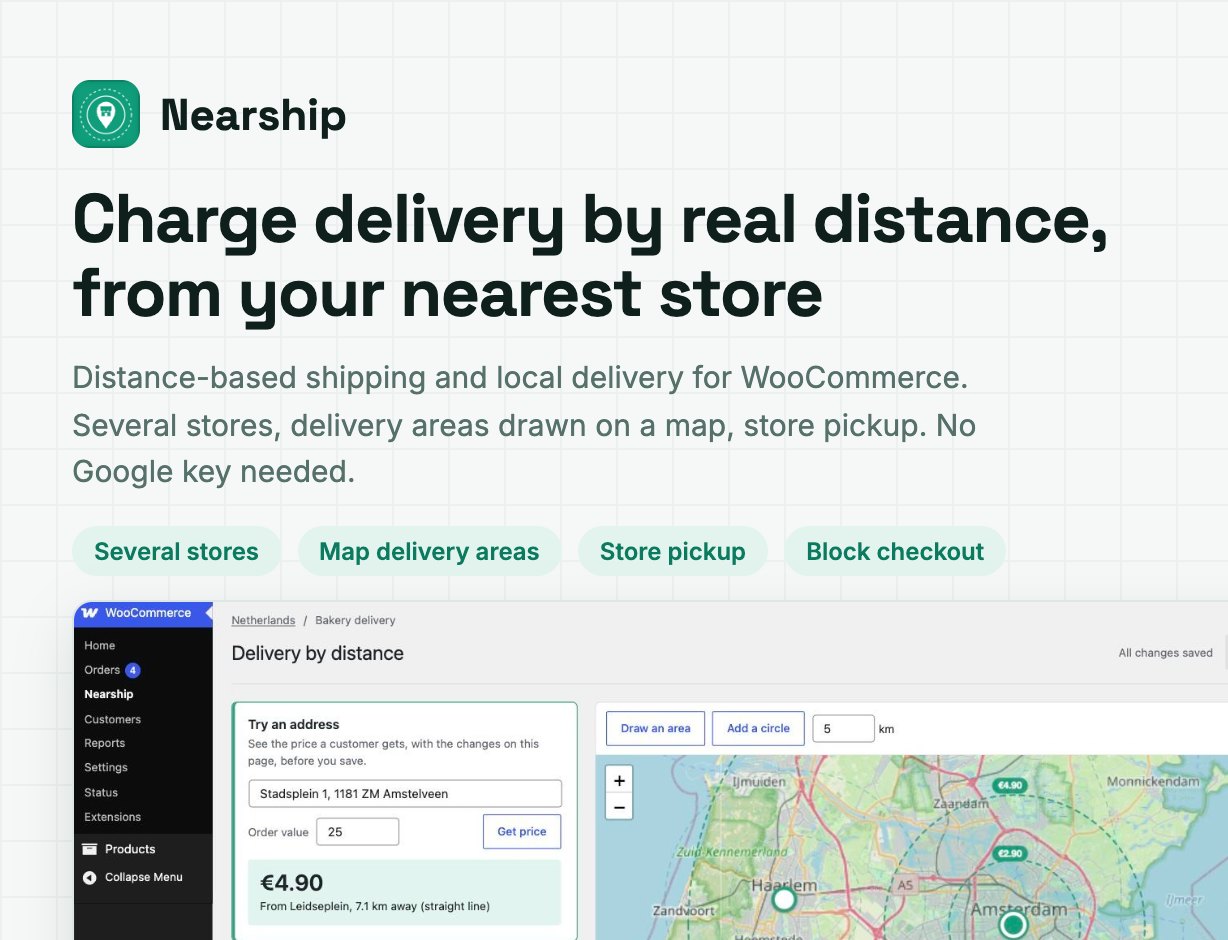
Charge local delivery by real distance, from your nearest store
Nearship is a WooCommerce shipping method that prices local delivery by distance. The customer types an address at checkout; Nearship finds it on the map, picks the store or warehouse closest to them and prices the delivery with your rules: distance bands, a price per km or mile, delivery areas drawn on a map, store pickup and surcharges per shipping class. It works out of the box with OpenStreetMap, so no Google API key is needed.
Landing page: nearship.webkodingtheme.com
Storefront demo (six one-click checkout scenarios): nearship.webkodingtheme.com/wp/
Admin demo (the delivery editor): open the editor
Admin login: demo / NearshipDemo! (read-only; “Try an address” and “Test connection” work)
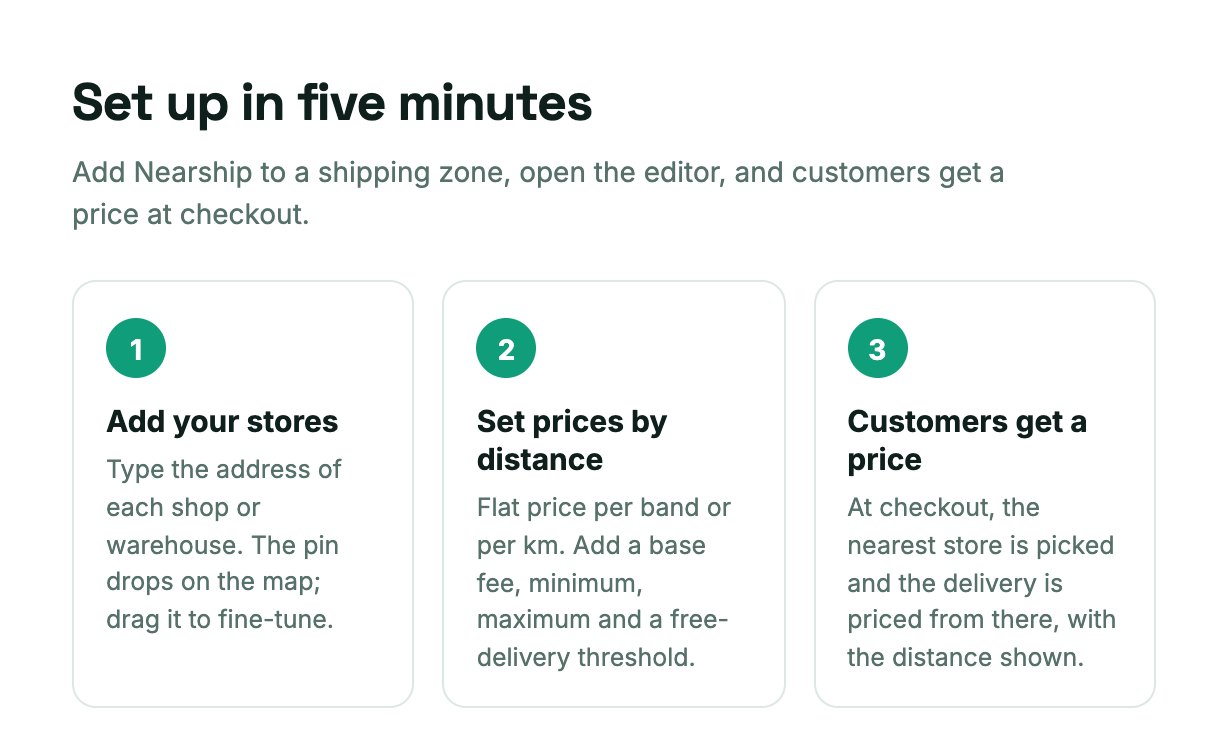
How it works
1. Add Nearship to a shipping zone. It appears next to Flat rate and Free shipping in WooCommerce > Settings > Shipping. Each zone has its own stores, prices and areas.
2. Open the delivery editor. Add your stores by address, set your prices and, if you want, draw where you deliver.
3. Customers get a price. At checkout the nearest store is picked, the distance is measured and the delivery is priced. The label shows the store and the distance, for example “Local delivery from Haarlem (7.2 km)”.
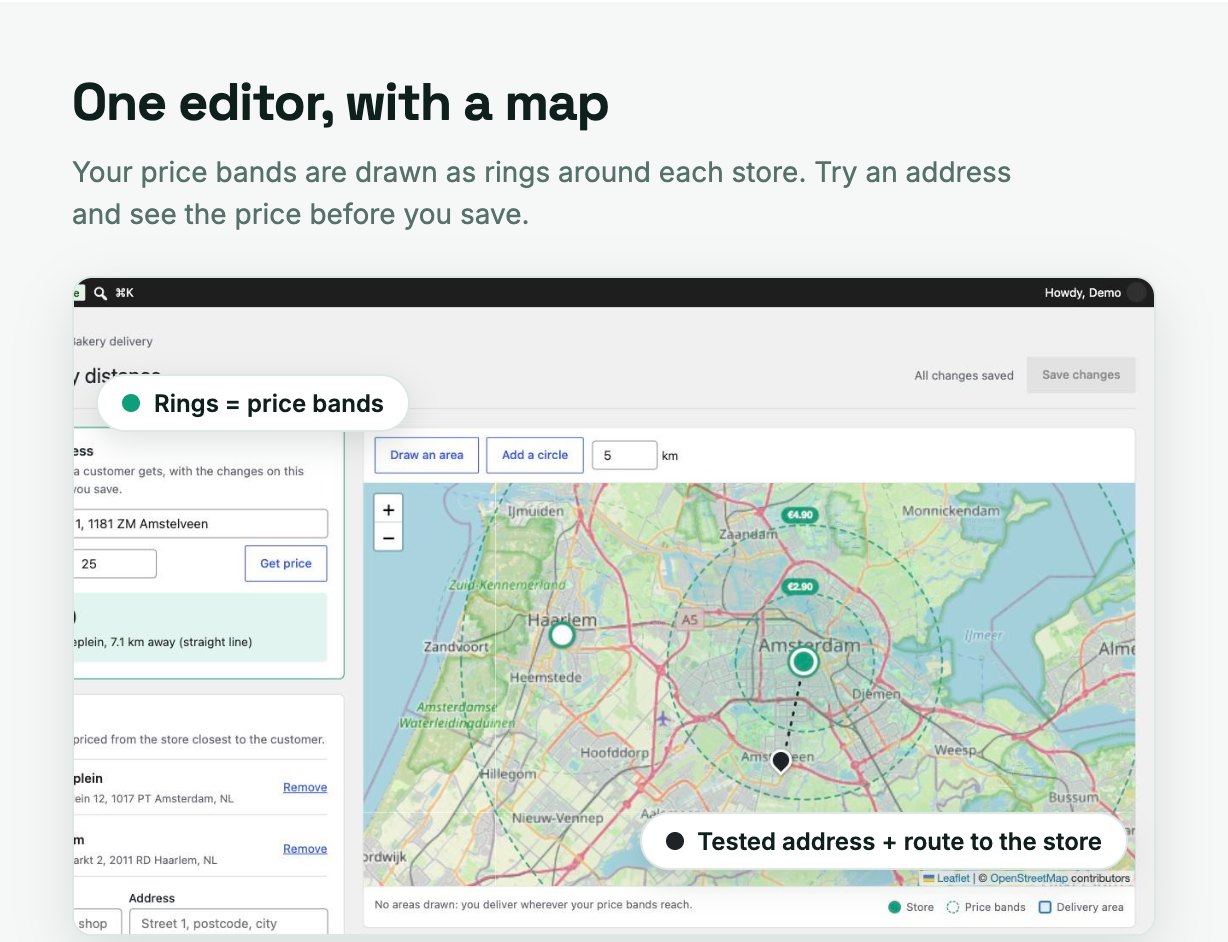
One editor per shipping zone
Stores, price bands and delivery areas are edited on one full page with a map, instead of a cramped settings popup.
- Try an address – type any address and see the price a customer would get, which store ships it and the distance, using the changes on the page before you save.
- Live map – stores, distance rings for your price bands and your delivery areas are drawn as you edit.
- Checks as you type – gaps and overlaps between distance bands are flagged before they reach your customers.
- Unsaved-changes guard – the editor warns you before you leave with unsaved work.
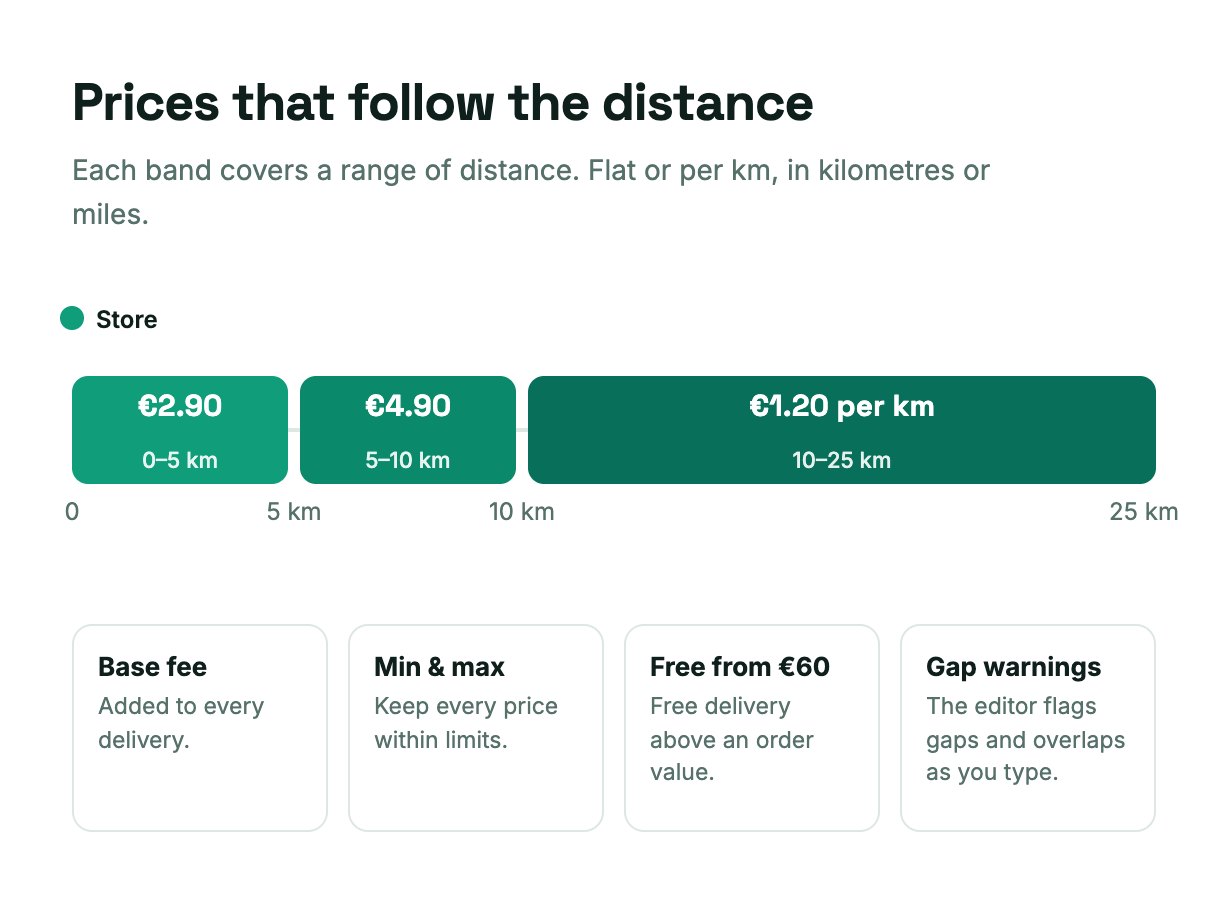
Prices by distance
- Distance bands with a flat price (0-3 km: 2.90, 3-8 km: 4.90) or a price per km or mile
- Base fee, minimum fee and maximum fee
- Free delivery above an order value
- Kilometres or miles
- A maximum delivery distance: beyond the last band, delivery is not offered
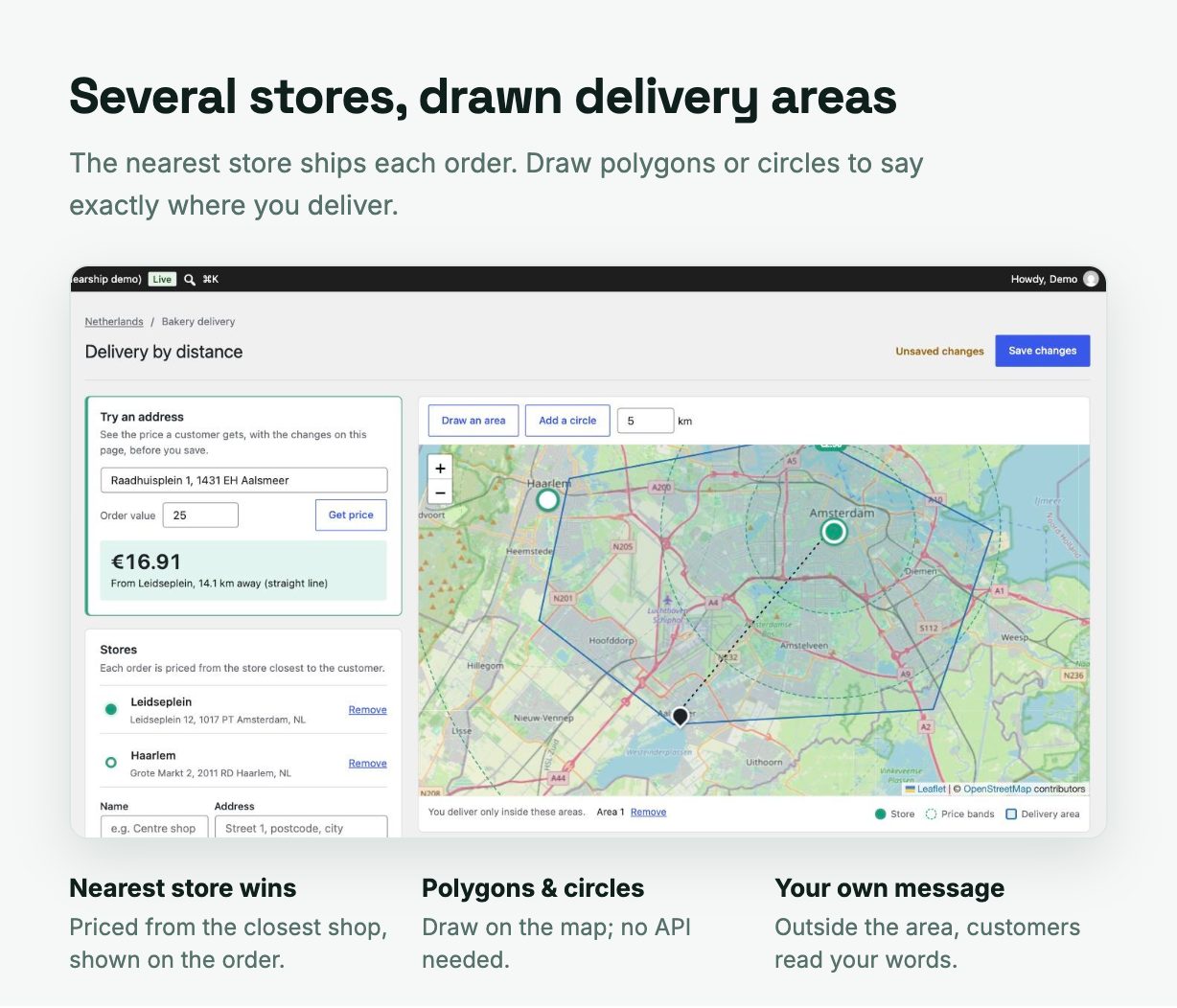
Several stores and delivery areas
- Multiple stores or warehouses – each order is priced from the store closest to the customer, and the order records which store ships it.
- Draw delivery areas – polygons or circles on the map. Only addresses inside an area get delivery. Drawing areas uses no paid API.
- Your own message – customers outside your area read your words, for example “Sorry, we don’t deliver that far yet”.
Store pickup and surcharges
- “Pickup at <store>” for every store, nearest first, free or with a fee.
- Customers outside your area still get pickup, with your message shown under it.
- Surcharge per shipping class – for example extra for chilled or bulky items.
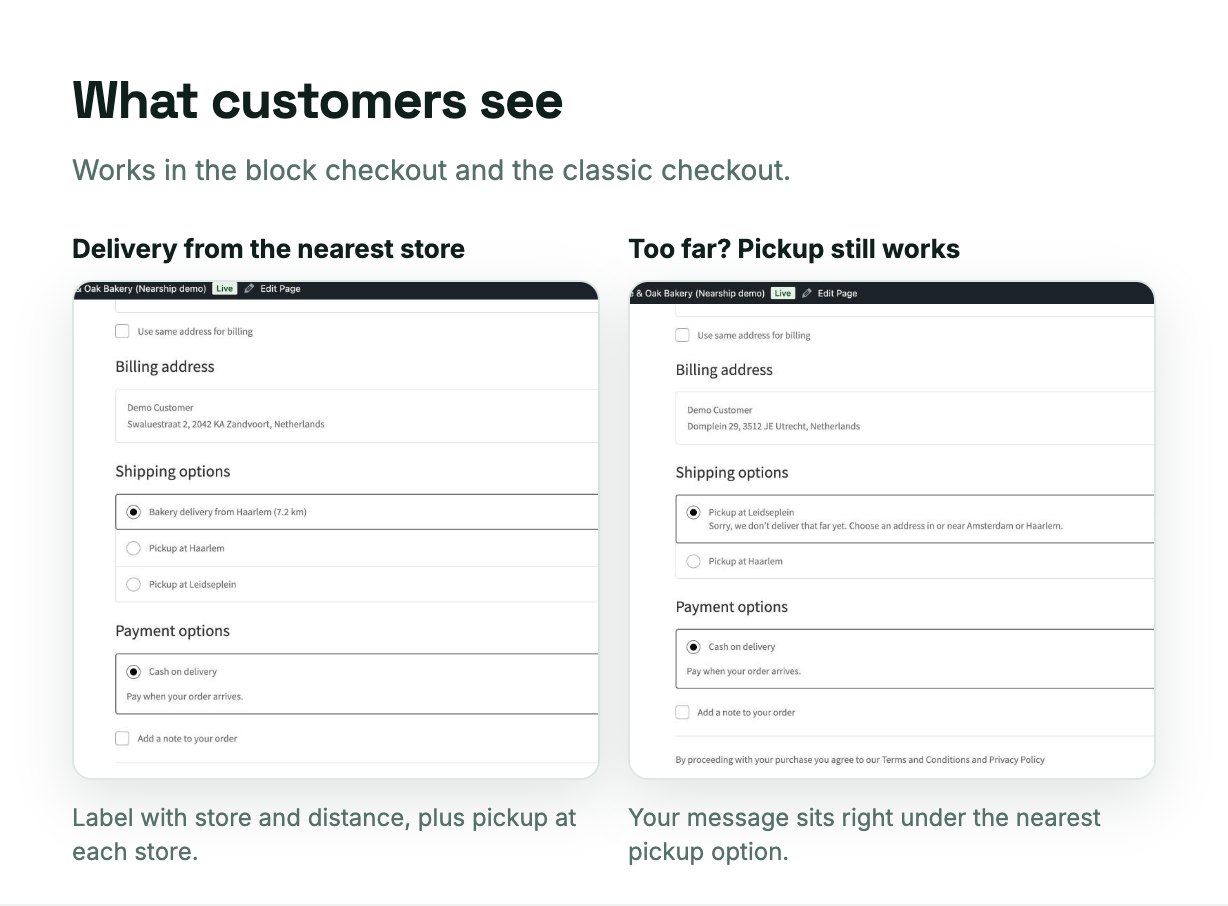
Checkout and orders
- Works with the WooCommerce block checkout (Cart and Checkout blocks) and the classic checkout.
- HPOS (High-Performance Order Storage) compatible.
- Orders show the delivery distance and the store that ships, or the pickup store and its address.
- An address that can’t be found gets no delivery price rather than a wrong one; the editor’s “Try an address” shows you when that happens.
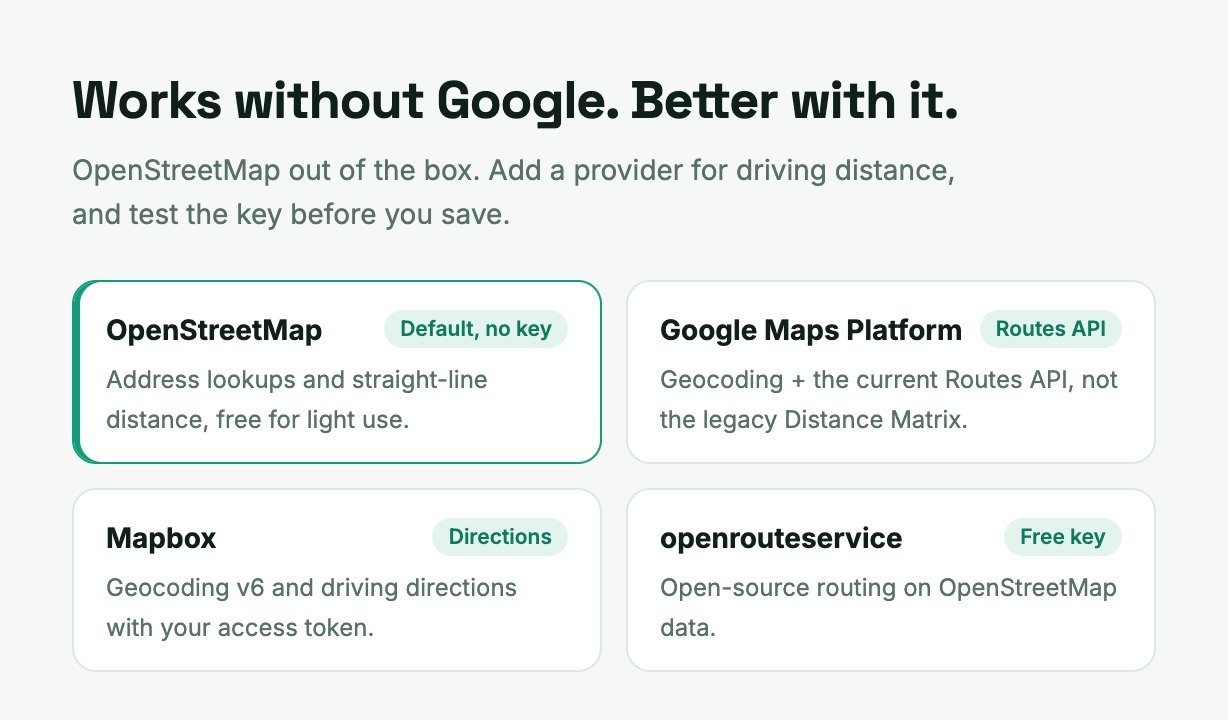
Map providers
Out of the box Nearship finds addresses with OpenStreetMap and measures straight-line distance. For driving distance, add one provider:
- Google Maps Platform – Geocoding API and the current Routes API. Plugins built on the legacy Distance Matrix API stop working on new Google projects; Nearship doesn’t use it.
- Mapbox – Geocoding and Directions.
- openrouteservice – open-source routing, free key available.
- Test connection tells you whether your key works before you save.
- Every address and route is cached for 30 days, so each is looked up once.
- If a provider fails, Nearship falls back to OpenStreetMap and straight-line distance, so the customer still gets a price.
Please note: third-party service costs
Nearship has no subscription and no service of its own. It talks to the map services you choose. Google Maps Platform, Mapbox and openrouteservice may charge for usage under their own pricing and free tiers; you sign up with them and pay them directly. Without a provider, Nearship uses the free OpenStreetMap Nominatim service, which is meant for light use (one request per second, which Nearship respects). The admin map shows OpenStreetMap tiles.
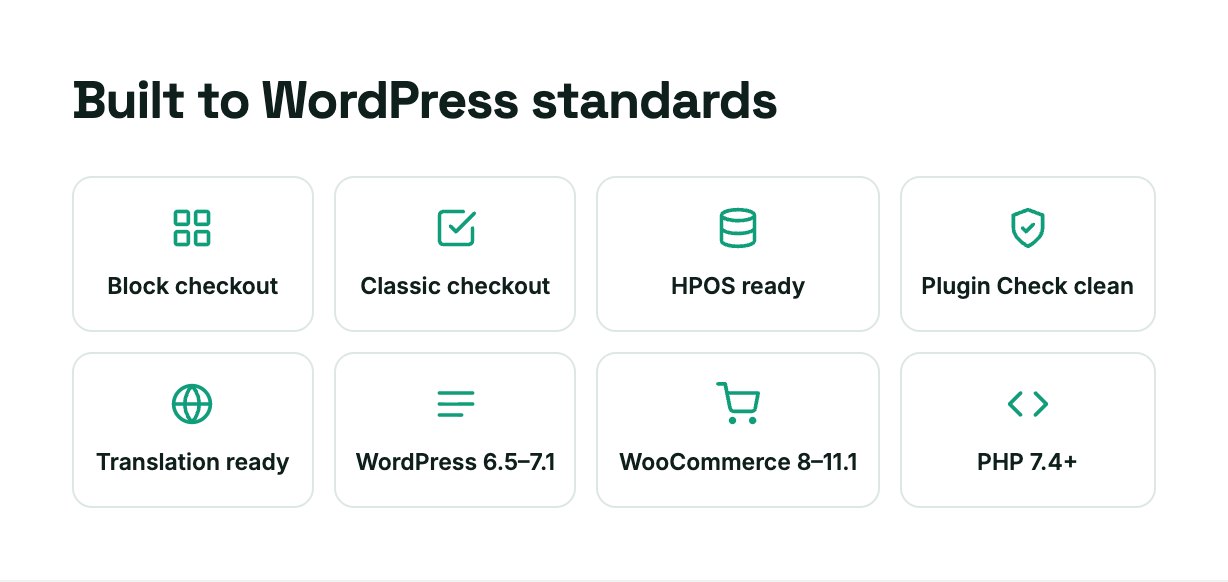
Built to WordPress standards
- Every string is translatable; a
.potfile is included. - All output is escaped and all input sanitized; database queries use
$wpdb->prepare(). - WordPress Plugin Check: no errors.
- Uninstalling removes every option and cached lookup Nearship created.
Requirements
- WordPress 6.5 or later (tested up to 7.1)
- WooCommerce 8.0 or later (tested up to 11.1)
- PHP 7.4 or later
What’s in the download
- The installable plugin (
nearship.zip) - Step-by-step HTML documentation
- Translation template (
.pot) - Licences, including Leaflet (BSD-2-Clause), which draws the admin map
Support
Questions or problems? Use the Support tab on this page. Please include your WordPress, WooCommerce and PHP versions and the address you tested.
License
Regular License – use Nearship on one site where end users are not charged.
Extended License – use Nearship on one site where end users are charged.
For the full terms, see the Envato Standard Licenses.
Changelog
1.0.0 (2026-09-25)
– First release
– Delivery priced by distance from the nearest of several stores
– Distance bands, price per km or mile, base, minimum and maximum fee, free delivery threshold
– Delivery areas drawn as polygons and circles
– Store pickup, surcharges per shipping class
– OpenStreetMap by default; Google Routes API, Mapbox and openrouteservice optional
– Block checkout, classic checkout and HPOS support

