
arforms WordPress Plugins
Pipedrive Integration with ARForms
Pipedrive integration with ARForms ARForms – Pipedrive Integration addon allows you to connect your form entries to Pipedrive in a single automated process. With this addon, the contact data is automatically synced to your Pipedrive contact list immediately after the form submission of ARForms. Features Pipedrive Configuration After activating the plugin, a new Pipedrive
Whatsapp Integration with ARForms

WhatsApp Notification Integration This powerful add-on for ARForms allows you to instantly send WhatsApp notifications after a form submission. Whether you want to alert the form submitter, the site admin, or both, this add-on makes it easy to configure and automate. Features WhatsApp Configuration After activating the plugin, a new WhatsApp notification section will
Omnisend Integration with ARForms
Omnisend integration with ARForms ARForms – Omnisend Integration addon allows you to connect your form entries to Omnisend in a single automated process. With this addon, the contact data is automatically synced to your Omnisend subscriber list immediately after the form submission of ARForms. Features Omnisend Configuration After activating the plugin, a new Omnisend
Address Lookup Integration with ARForms
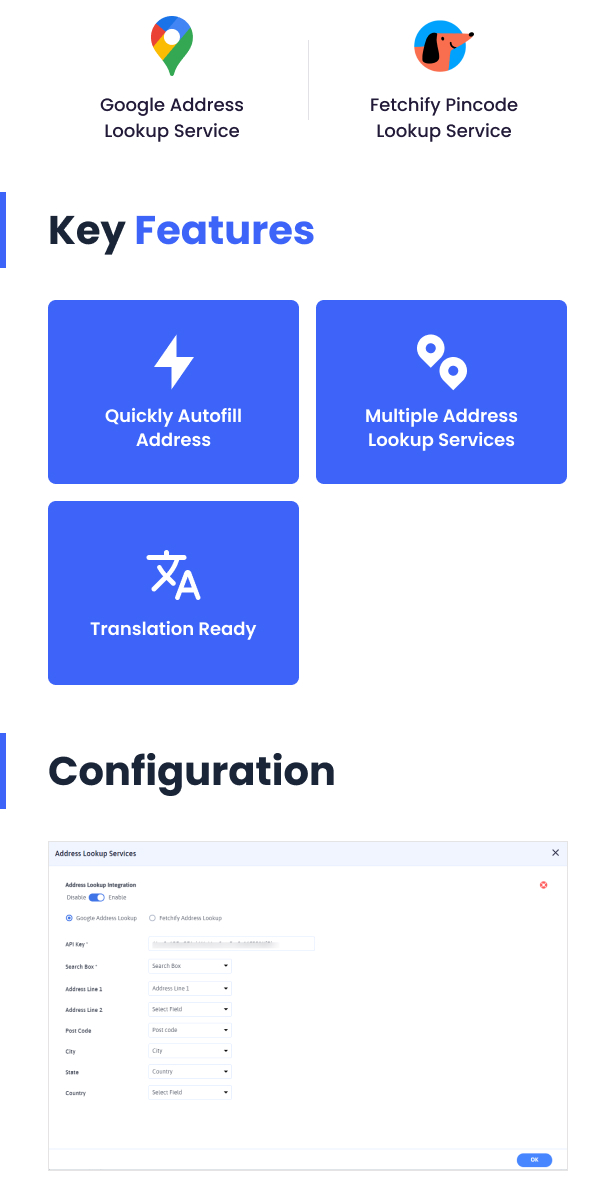
ARForms – Address Lookup Integration add-on lets you look up an address using the services of Google Places Autocomplete API and Fetchify Address Lookup using Postcode. User can quickly autofill the address by just searching the address or pincode and selecting the relative address. You can set up the Address lookup service directly from the
Zoho CRM integration with ARForms

Zoho CRM integration with ARForms ARForms – Zoho CRM Integration add-on allows you to add contact to your zoho CRM account immediately after form submission. ARForms – Zoho CRM Integration sends additional field’s data to Zoho Account other than just First Name, Last Name, and Email. From General Settings of ARForms, you can configure Zoho
PagSeguro integration with ARForms
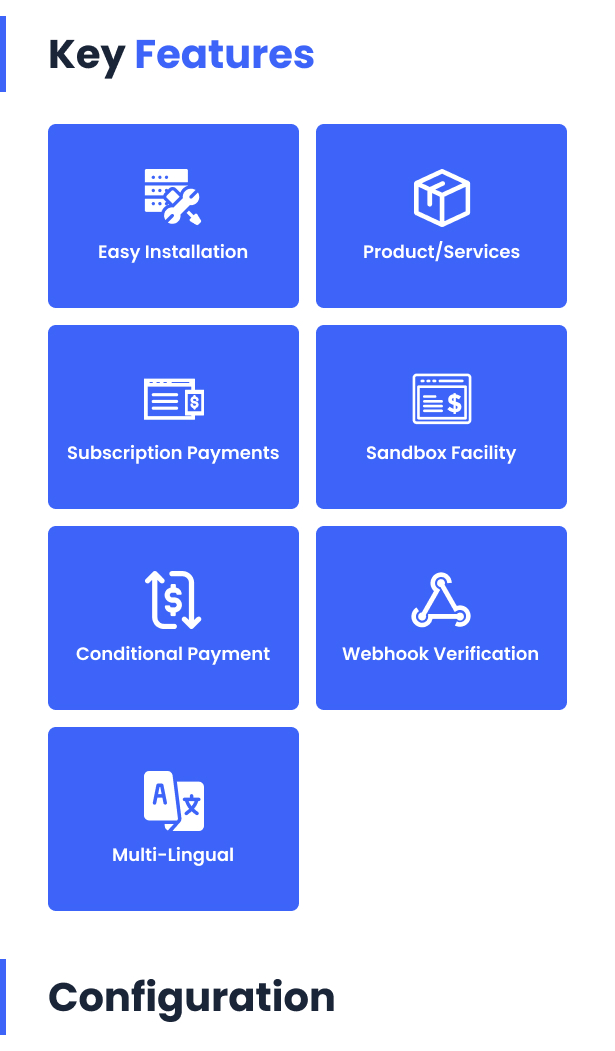
PagSeguro with ARForms ARForms PagSeguro Payment allows you to accept ‘One Time payment’ as well as ‘Subscription Payment’ with super ease. Start accepting payments using PagSeguro on your WordPress website in a few minutes! This is a very simple solution for users who want to simply start to sell products online quicky. Seamless Integration with
Razorpay integration with ARForms
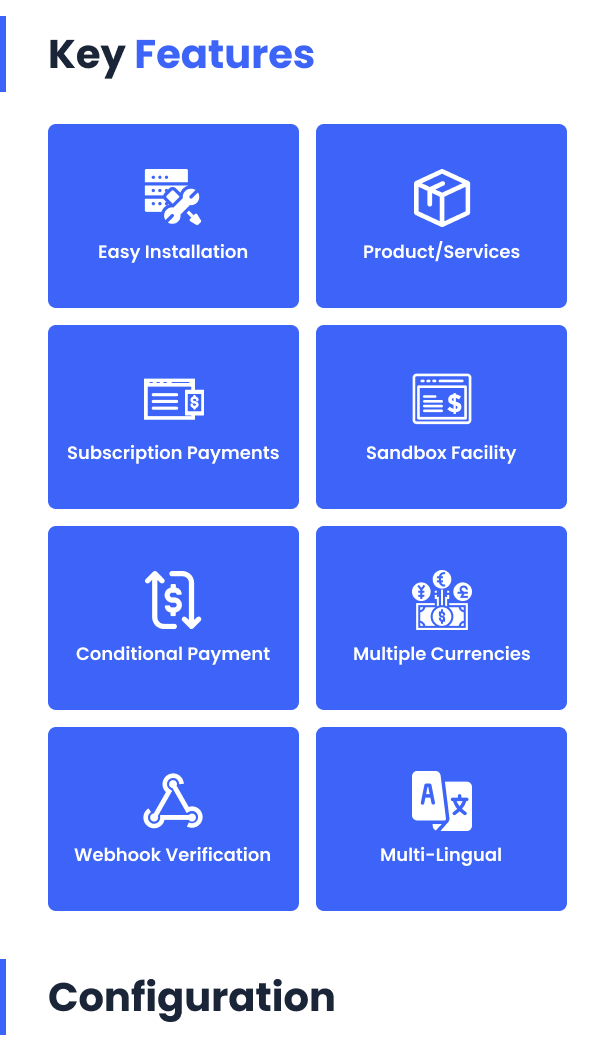
Razorpay with ARForms ARForms Razorpay Payment allows you to accept ‘One time Payment’ as well as ‘Subscription Payment’ payments with super ease. Start accepting Razorpay payments on your WordPress site in a few minutes! This is a very simple solution for users who want to simply start to sell products online quickly / contribution to
Cloud Storage Integration with ARForms
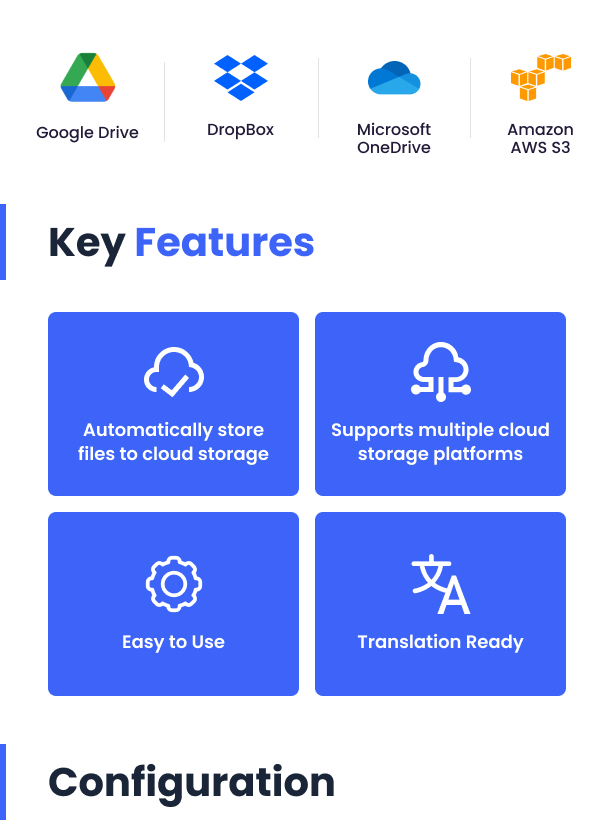
Using ARForms – Cloud Storage Add-on, you can store the files uploaded using file upload controls to the cloud storage platforms. ARForms – Cloud Storage Add-on supports 4 cloud storage platforms to store the uploaded files. You can configure the cloud storage platforms from ARForms > Cloud Storage Configuration menu. After that, you can enable
Front-end Entries View For ARForms

Front-end View Entries For ARForms ARForms – Front-end View Entries addon is useful to allow your users to view/edit their submitted data from front-end. Powerful Front-End Features Filter If you have a lot of data, Easily search entries with powerful filter features. Sort You will be able to sort data by with just a
Advanced Activecampaign integration with ARForms

Advanced Active Campaign integration with ARForms Advanced Active Campaign integration with ARForms addon allows you to send additional field’s data to Active Campaign other than just basic fields. With this addon, you can map additional fields with Active Campaign fields and it will send all mapped field’s values to Active Campaign after form submission

